UPGRADES & SETUP

More room. A fresh start.
A computer that fits.

An upgrade may help your current computer keep up. A new computer may just need the right setup. I’ll help you sort out what makes sense for the way you use it.

Based near Mayfield, Kentucky. Help starts with a conversation.

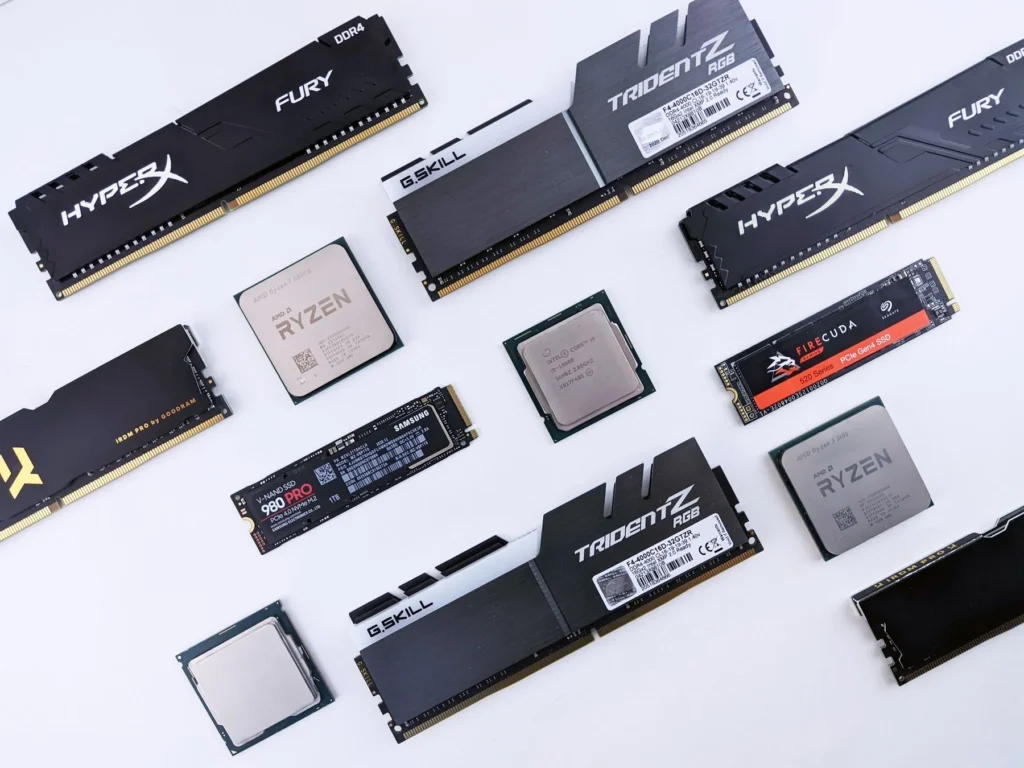
An assortment of desktop memory modules, processors, and M.2 solid-state drives arranged on white.

YOU DON’T NEED TO DIAGNOSE IT FIRST

Sound familiar?

01

Storage is nearly full.

Updates won’t fit, files are piling up, or you need more space to work.

02

It struggles to keep up.

The computer slows down when you open several apps or work with larger files.

03

The new one is still in the box.

You need your apps, files, printer, and everyday settings ready to use.

A PRACTICAL NEXT STEP

What I can help with

  • Check memory and storage upgrade options for your current computer.
  • Set up a new computer with updates, software, and connected devices.
  • Plan file transfers and practical backups as part of the change.

File transfers depend on the condition and accessibility of the original device; some apps need to be reinstalled or licensed again.

WHAT TO SEND

A few details go a long way.

Share the make and model of your current or new computer, what you use it for, and what you want to improve. For a transfer, mention whether the old computer still works and what you need to move.

Please leave passwords and access codes out of your message.
Make your next setup easier.

Tell me what you are changing and what you want to keep working smoothly.

Please leave passwords and access codes out. Timing and cost are agreed before work begins.